
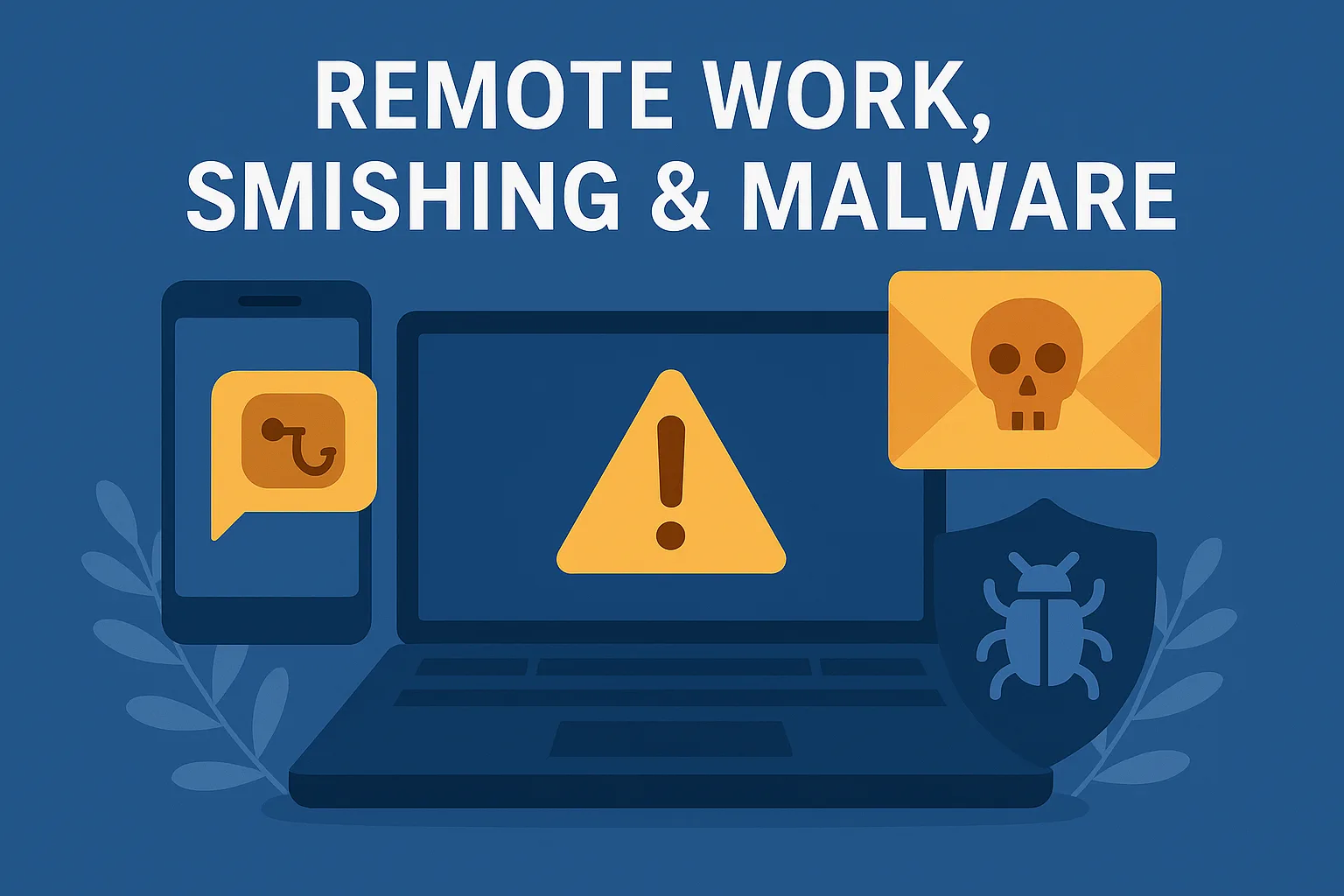
Cybersecurity Essentials: What You Need to Know
Cybersecurity isn’t just the job of your IT provider—it’s a shared responsibility across the whole team. Whether you’re working from the office, your kitchen table, or a coffee shop, understanding everyday risks like smishing and malware is essential.
Here are three key threat areas your business needs to be prepared for.
Remote Working: Not As Safe As You Think
Working remotely offers flexibility—but also increases the potential for security breaches. When staff are outside the company network, your business loses some visibility and control.
Key remote work tips:
- Keep everything updated. Software, operating systems, and routers should always run the latest versions to patch known vulnerabilities.
- Change your router password. Never use default credentials—these can be found in online manuals.
- Use strong passwords on all devices and accounts.
- Avoid public risks. Don’t leave laptops unattended in cafés or public places.
- Stick to company-issued devices. If you must use a personal device, get permission first.
- Use secure connections. Always access company data via trusted networks, and use a VPN if available.
Smishing: Scam Texts That Look Real
Smishing (SMS phishing) uses deceptive text messages to trick users into clicking malicious links or handing over personal information. These scams are getting more sophisticated every day.
What to watch out for:
- Don’t click links in unexpected messages—go directly to the website instead.
- Be suspicious of urgency. “Reset your password now!” is a classic trick.
- Turn on two-factor authentication. It adds a vital extra layer of protection.
- Report suspicious texts. Let your IT team know ASAP so they can protect others.
Malware: The Silent Invader
Malware is software designed to damage or gain unauthorised access to your systems. It comes in many forms, including:
- Spyware – spies on your activity.
- Ransomware – locks files until a ransom is paid.
- Cryptojacking – uses your device to mine cryptocurrency.
Protective steps:
- Don’t open dodgy attachments or links in emails unless you’re sure of the source.
- Use antivirus software and respond to its warnings.
- Back up your data regularly to minimise damage in the event of infection.
- Avoid unknown USBs. Never plug in random devices—you never know what’s on them.
- Use official app stores and trusted websites only.
If something feels suspicious, stop and check before proceeding—or speak to your IT support team.
Final Thoughts
Remote work brings new freedoms, but also new risks. Cybersecurity isn’t just about fancy tools—it’s about smart habits. When your team knows what to look for and how to react, they become your first line of defence.
In April, we shine a light on the shadow web—and the risk of oversharing.
Want to know how secure your remote setup really is? Let’s have a chat. We’ll help you spot the gaps and fill them fast. 👋
Disclaimer: This article was created with the assistance of AI tools based on prompts and guidance provided by Novo IT Ltd.
Comments are closed