
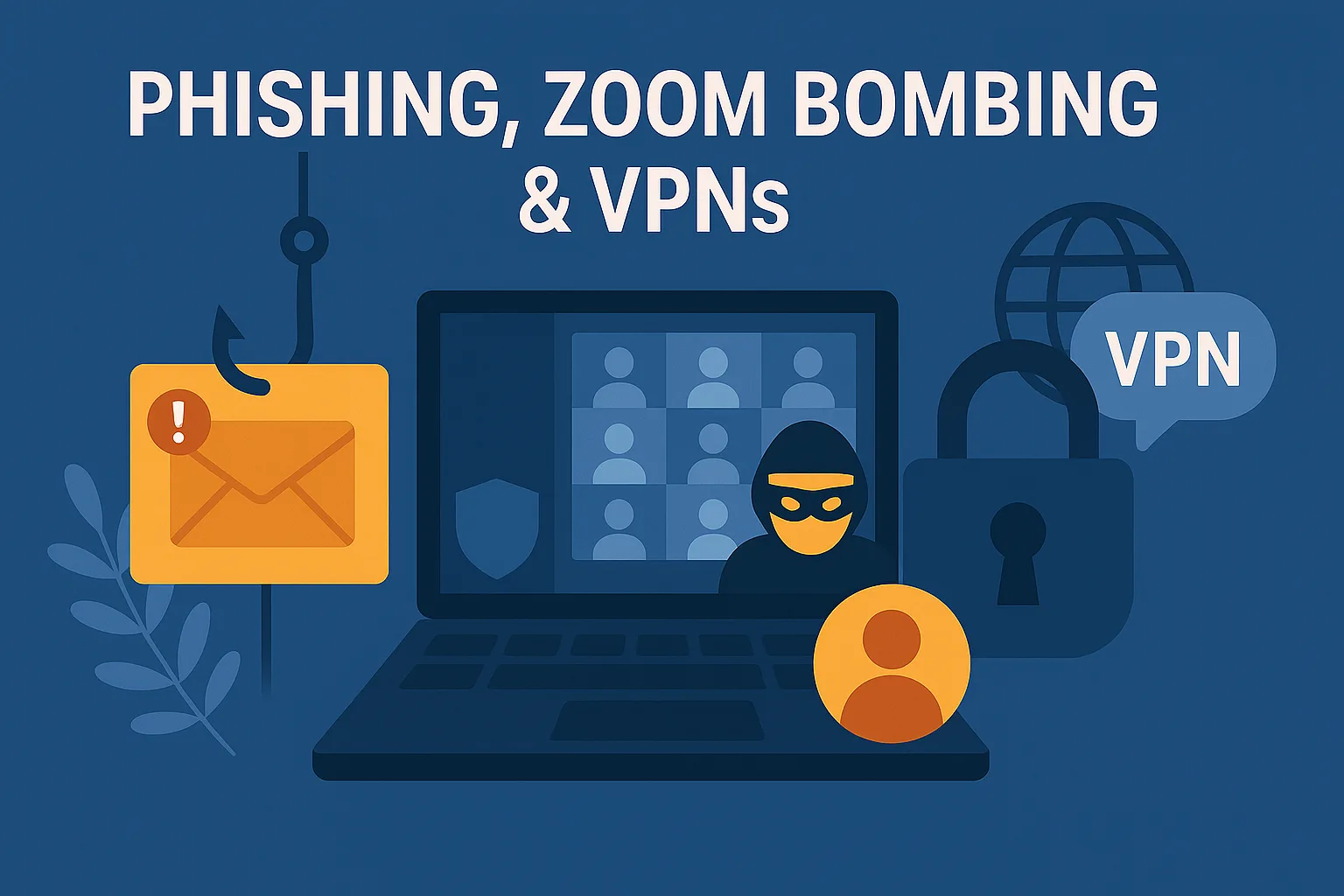
Building on our secure travel habits, we’re zooming in (literally) on virtual meetings, shady links and VPN best practices.
Phishing Emails: Still the #1 Way In
Phishing and VPN security are at the heart of modern cyber protection. From fake emails to remote access tools, knowing the risks—and how to handle them—is key to staying safe.
You’ve probably seen them:
- “Your password has expired—reset now”
- “Invoice attached—please review”
- “Suspicious login attempt—verify your identity”
But modern phishing isn’t just clumsy typos and dodgy grammar. These scams are often highly targeted, well-crafted, and designed to create urgency so you act before you think.
🧠 Quick reminders:
- Don’t open attachments you weren’t expecting
- Avoid clicking links in suspicious emails—visit the official site directly
- Never give out your password—no matter how ‘urgent’ it sounds
- Verify unexpected messages through a different method (like a phone call)
⚠️ If it smells phishy—it probably is. Always report it to your IT team.
Videoconferencing Security: Lock the Virtual Room
With video calls now a daily part of work life, attackers are turning their attention to platforms like Zoom, Teams, and Meet. That random guest who joins “by mistake”? It could be a cybercriminal looking for a way in.
Risks include:
- Unauthorised participants joining confidential meetings
- Screensharing of sensitive documents
- Chat misuse or malware links dropped in meetings
Best practices:
- Always use a meeting password
- Don’t post meeting links publicly
- Use waiting rooms/lobbies where available
- Remove unknown participants immediately
- Keep your software up to date (always)
🛡️ And don’t forget—treat video meetings like real ones. Only invite who needs to be there.
VPN Security: Best Practices for Working Remotely
A Virtual Private Network (VPN) creates a secure “tunnel” between your device and the internet—perfect for remote work, coffee shop logins, or business travel.
But a VPN isn’t bulletproof. You still need to use it correctly.
✅ VPN best practices:
- Only use a company-approved VPN (not free apps)
- Turn on the “kill switch” if available—it stops data leaks if your VPN drops
- Keep the VPN software updated
- Use strong, unique passwords to access your VPN accounts
- Still avoid sketchy websites or downloading random files—VPNs encrypt data, but they don’t stop malware
Used properly, a VPN protects your activity—even over public Wi-Fi. Just don’t let it lull you into a false sense of security.
Want to stay sharp against digital scams and sneaky intrusions? Browse more tips in our Threat Awareness category.
Final Thoughts on Phishing and VPN Security
Between phishing attacks, video call risks and unsecured networks, modern work demands layered protection. The threats aren’t just technical—they’re social, situational and sneaky.
✅ Pause before you click.
✅ Lock down your calls.
✅ Use a VPN—but use it right.
Staying sharp with phishing and VPN security habits can make the difference between a close call and a data breach.
Small habits = strong defences.
Need Help Securing Your Hybrid Workplace?
Whether you’re dealing with phishing threats, remote access, or team-wide cyber awareness, Novo IT can help you stay protected—without overcomplicating things. 👉 Explore our Cybersecurity Services
📞 Or let’s chat about securing your day-to-day work.
In August, we’re focusing on your most-used tools: phones, tablets and email.
Disclaimer: This article was created with the assistance of AI tools based on prompts and guidance provided by Novo IT Ltd.
Comments are closed