
Mobile app security is more important than ever. While apps are useful and convenient, they can also expose your data if not handled carefully. We use mobile apps for almost everything—banking, shopping, social media, emails, and more. But with that convenience comes risk. Mobile apps can expose your personal data to cybercriminals, especially if you’re not careful about what you download or how you use them.
According to recent data, more than 75% of apps on the market have at least one security flaw. That means even the apps you use every day might not be as safe as you think.
Here’s how to stay protected while still enjoying all the benefits of mobile apps.
Why Mobile App Security Matters
Apps are quick and convenient, but they’re also one of the easiest ways hackers can gain access to your data. From overreaching permissions to fake apps posing as real ones, there are many potential threats if you’re not paying attention.
Whether you’re managing personal accounts or business data from your device, a few simple habits can go a long way.
10 Mobile App Security Tips You Should Be Using
1. Only Download Apps from Official Stores
Stick to the App Store (iOS) or Google Play (Android). These platforms scan apps for malware and security risks. Avoid downloading from third-party sites—even if they look legit.
2. Check Ratings and Reviews
Before installing anything, scroll through the app reviews. A lack of reviews, strange wording, or repeated complaints are big red flags.
3. Review App Permissions
When an app asks for access to your location, camera, contacts, or more—ask yourself if it really needs that access. If it doesn’t make sense, skip the app or deny permissions.
4. Keep Your Operating System Updated
Your phone’s OS updates include vital security patches. Installing these updates regularly can help protect against the latest vulnerabilities.
5. Use Strong, Unique Passwords
Avoid using the same password across apps. Use a mix of uppercase, lowercase, numbers, and special characters—and consider a password manager to keep track.
6. Enable Two-Factor Authentication (2FA)
2FA adds an extra layer of protection. Even if someone gets your password, they won’t be able to access your account without a second code.
7. Avoid Public Wi-Fi for Sensitive Apps
Public Wi-Fi is convenient, but risky. Avoid using banking or payment apps when connected to unsecured networks. Use a VPN if you must access private info on public Wi-Fi.
8. Log Out of Apps When You’re Done
It might seem like a hassle, but logging out keeps your info safe—especially if your device is lost or stolen.
9. Keep Your Apps Updated
Like your OS, app updates often contain security fixes. Don’t ignore those update prompts—they matter.
10. Use Built-In Security Features
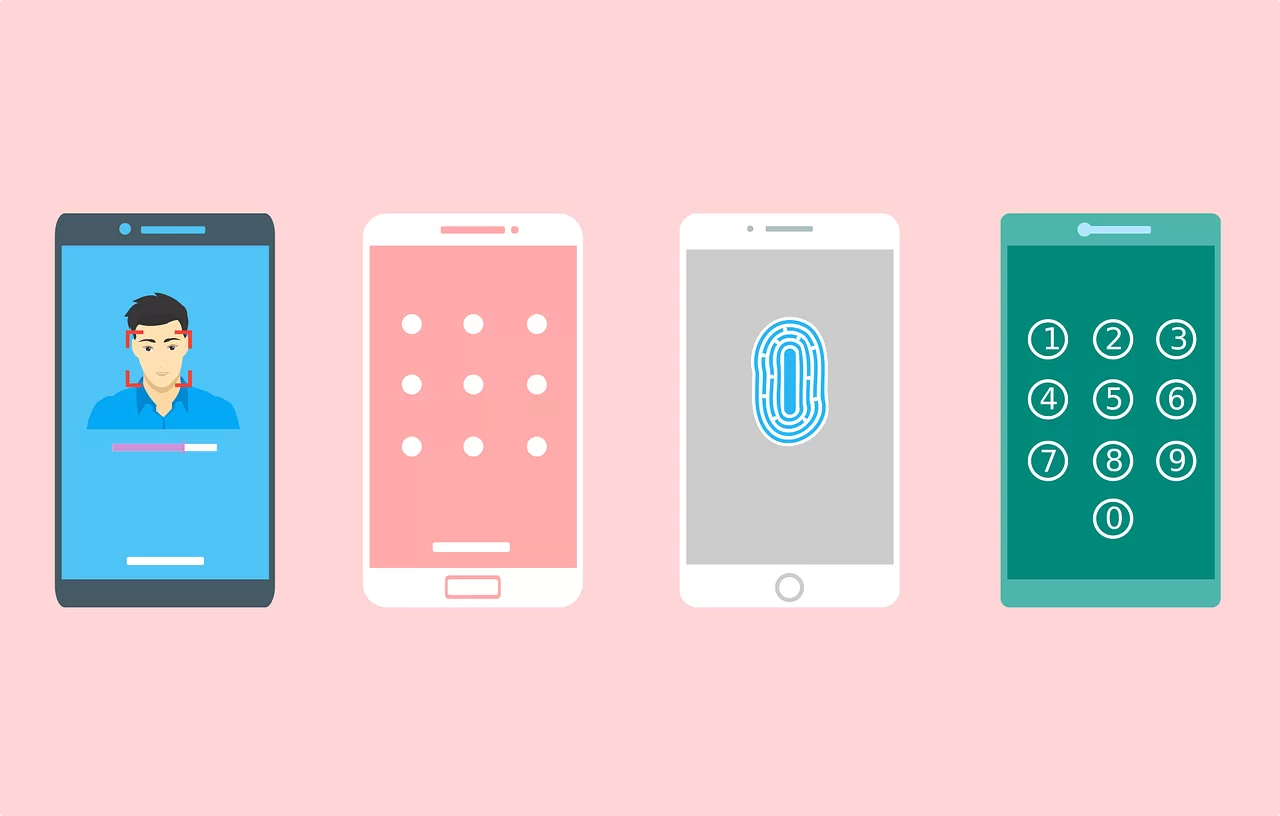
Use biometric locks (like fingerprint or face recognition) and app-specific passcodes where available. These add an extra barrier between your data and anyone trying to access it.
Final Thoughts: Stay Smart with Your Apps
Mobile apps make life easier, but they also come with real risks. The good news is, you don’t need to be a cybersecurity expert to stay safe. A few good habits—like keeping your apps updated and watching what you download—can make a huge difference.
If you’d like a quick check-up on your mobile security or need help reviewing app permissions for your business, get in touch with Novo IT. We’re here to help.
Article used with permission from The Technology Press.
Comments are closed