
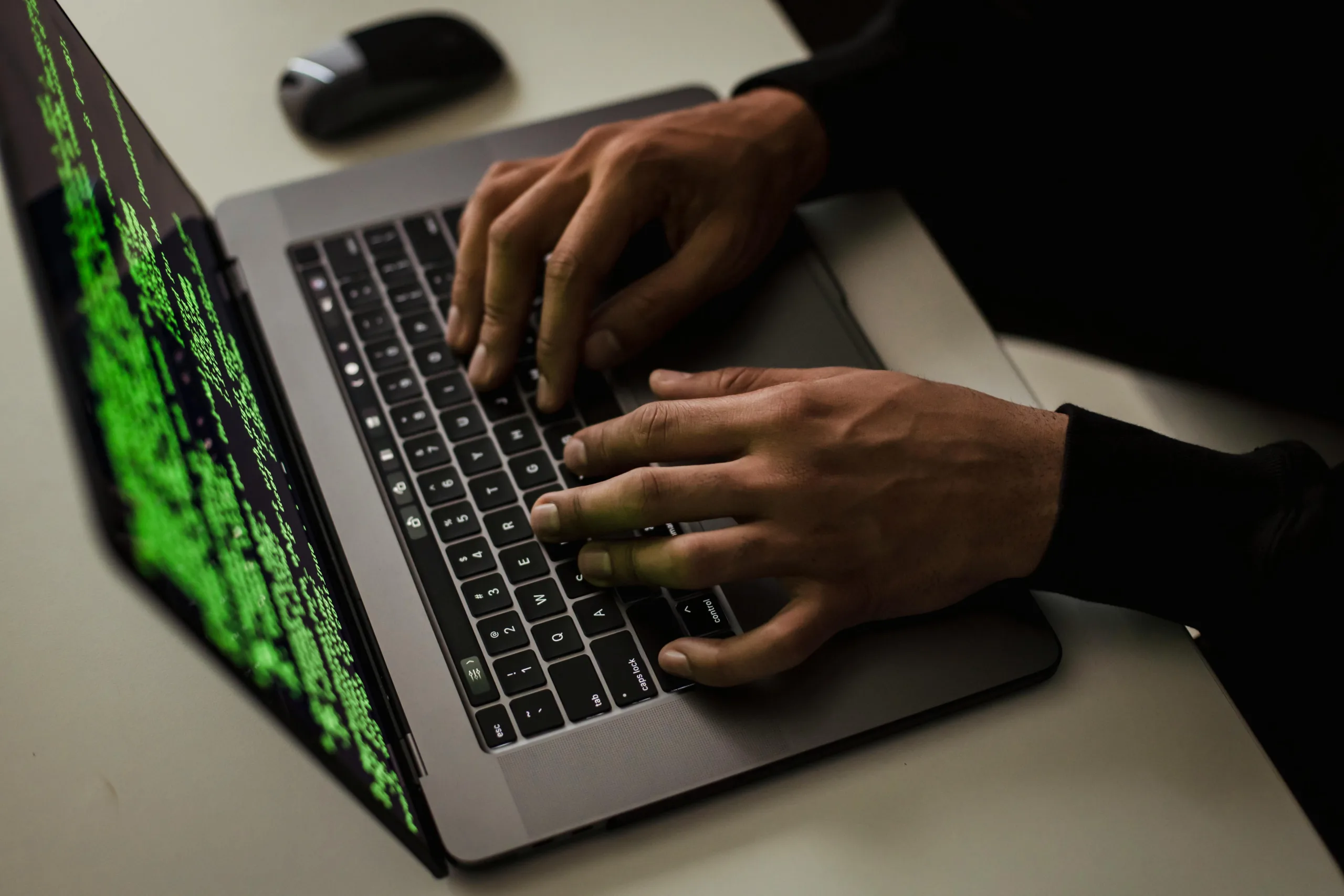
Think your passwords are enough to keep cybercriminals out? Think again. There are plenty of unexpected ways hackers access accounts, and many of them don’t involve guessing your password at all.
Hackers are more creative than ever—and they’re not just going after your login details. From hijacked cookies to deepfake phone calls, cyberattacks today can take all kinds of sneaky forms. While strong passwords and multi-factor authentication (MFA) are still crucial, they’re no longer a full security guarantee.
Here are seven lesser-known ways hackers can gain access to your accounts—and what you can do to stop them.
1. Cookie Hijacking
Cookies store your login sessions, making it easier to stay signed in. But hackers can steal these cookies through malicious websites or unsecured Wi-Fi, allowing them to impersonate you without ever needing your password.
Protect yourself: Avoid using public Wi-Fi without a VPN, and log out of sensitive accounts when not in use.
2. SIM Swapping
Hackers trick your mobile provider into transferring your number to their SIM card. That gives them access to your text messages—including those all-important 2FA codes.
Protect yourself: Ask your provider to set up a port-out PIN, and consider app-based authenticators instead of SMS.
3. Deepfake Scams
AI-generated deepfakes can mimic the voices or faces of trusted people—like your boss or bank manager—to manipulate you into handing over sensitive data.
Protect yourself: Always double-check suspicious requests, especially those asking you to move money or share credentials.
4. Third-Party App Exploits
Connecting your accounts to other apps can be super convenient—but these apps don’t always have great security. A weak third-party app can be the backdoor a hacker uses to break in.
Protect yourself: Review what’s connected to your main accounts and remove anything you don’t use. Use reputable apps only.
5. Port-Out Fraud
Similar to SIM swapping, port-out fraud involves fraudulently transferring your mobile number to another network. Once they have your number, they can intercept 2FA codes and account recovery messages.
Protect yourself: Set account alerts with your provider and use MFA apps that don’t rely on your mobile number.
6. Keylogging Malware
This type of malware secretly records every keystroke you make—including your login details. It often gets installed through dodgy downloads or infected email attachments.
Protect yourself: Keep your antivirus updated and avoid clicking suspicious links or downloading files from unknown sources.
7. AI-Powered Phishing
AI tools can now generate extremely convincing phishing emails that are personalised to their targets. These emails look legit—and they’re catching even tech-savvy users off guard.
Protect yourself: Always verify unexpected emails, even if they look like they’re from someone you know. Hover over links before clicking.
💡 Want to know more about spotting phishing tactics? For more tips on recognising suspicious messages, take a look at our Email Security articles.
How to Stay One Step Ahead
Being aware of these unexpected ways hackers access accounts is the first step to protecting your digital life. Here’s what else you can do:
- Use app-based MFA or hardware security keys
- Keep all software up to date
- Run regular antivirus and malware scans
- Use strong, unique passwords for every account
Cybersecurity isn’t just about ticking boxes—it’s about staying alert and adapting to evolving threats. If you’re concerned your security measures aren’t enough to defend against unexpected ways hackers access accounts, we can help review your setup and strengthen your defences.
Article used with permission from The Technology Press.
Comments are closed