
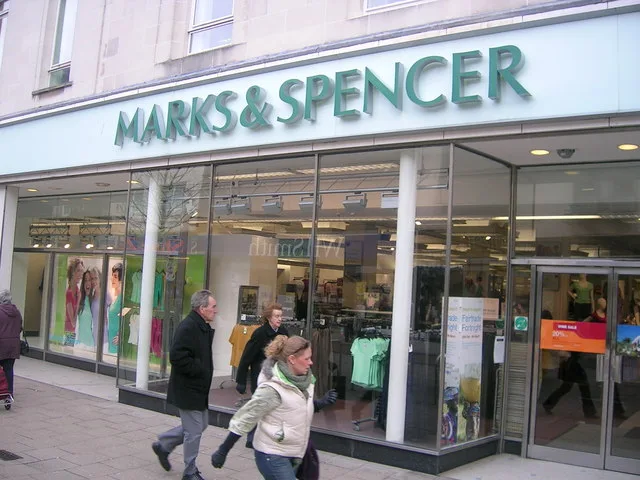
Marks & Spencer just got hit by ransomware. But here’s the thing: this isn’t just a “big business” problem. Attacks like this highlight urgent ransomware lessons for small businesses, too.
Whether you’re a local bakery or a digital marketing agency, cybercriminals see you as fair game. So—how do you stay off their radar?
What the M&S Attack Tells Us About SME Risk
The M&S incident was reportedly caused by a third-party breach. That means someone they worked with got hacked, and it gave attackers a way in. Classic supply chain stuff.
That kind of risk is especially dangerous for SMEs. Why? Because while you may not have millions at stake, attackers know small businesses often don’t have the time, tools, or tech to bounce back fast.
You can read the BBC’s take on the story here.
Why Ransomware Loves Small Businesses
It’s easy to think, “We’re just a small team, who’d target us?” But in reality, that’s exactly what makes you attractive. This is where the real ransomware lessons for small businesses kick in:
- Smaller teams mean fewer defences
- Outdated devices are common
- Password habits tend to be weak
- Security training is often… nonexistent
To a hacker, that’s like finding an unlocked front door.
Key Ransomware Lessons for Small Businesses (and What to Do About Them)
1. Use Strong Passwords + MFA
Let’s start simple. Weak passwords are like using a fake lock on a real door. Switch to the three random words method—something like CoffeeTrainTree. Easy to remember, hard to guess.
Then, add multi-factor authentication (MFA). It’s a second lock that massively boosts your chances of keeping hackers outSecure Passwords.
2. Install Updates—Properly
We know—those “Restart to install updates” pop-ups always come at the worst time. But here’s the deal: ignoring them leaves open doors for attackers.
Set devices to auto-update if you can, and make “Update & Shut Down” your default at the end of each dayPublic Wi.
3. Back It Up—And Test It
You’ve got backups, right? Great! But have you tested them?
Backing up to the cloud or an external drive is smart—but only if those backups actually work. Test regularly so you know you can recover if things go sidewaysPhysical Security.
4. Train Your Team to Spot the Dodgy Stuff
Most ransomware sneaks in through phishing emails. That “click here urgently” message? It could cost you everything.
Make sure your team knows the signs—and practice what to do when a weird email lands. We can help with training tooPhishing.
5. Check in on Your Suppliers
M&S got hit via a supplier. That’s a warning shot for us all.
Ask the people you work with how they handle security. Don’t be afraid to say no if they don’t have proper protection in place
6. Invest in Real Endpoint Protection
Free antivirus is fine for your nan’s laptop—not your business. You need proper endpoint security that catches dodgy files and unusual behaviour in real time.
It’s not about spending a fortune—it’s about spending wisely.
So… What Should You Do Right Now?
Here’s a quick checklist:
✅ Got secure passwords and MFA set up?
✅ Are all devices updated?
✅ Do you have working, tested backups?
✅ Have staff been trained on phishing emails?
✅ Do you know if your suppliers take cybersecurity seriously?
If any of those are a “not yet”… time to act.
We help small businesses across Sussex and beyond get this sorted—without the jargon or a scary price tag. If you’re unsure where to start, just ask.
Final Thought: It’s Cheaper to Prepare Than to Pay
Getting hit by ransomware doesn’t just mean downtime. It can mean lost data, broken trust, and business lost for good.
But most attacks? Totally preventable. With some smart moves and the right advice, you can build defences that don’t break the bank.
If you’re unsure where to start, checkout our Cybersecurity page or drop us a message below. We keep it simple, human, and helpful—just how IT support should be.
Disclaimer: This article was created with the assistance of AI tools based on prompts and guidance provided by Novo IT Ltd.
Comments are closed