
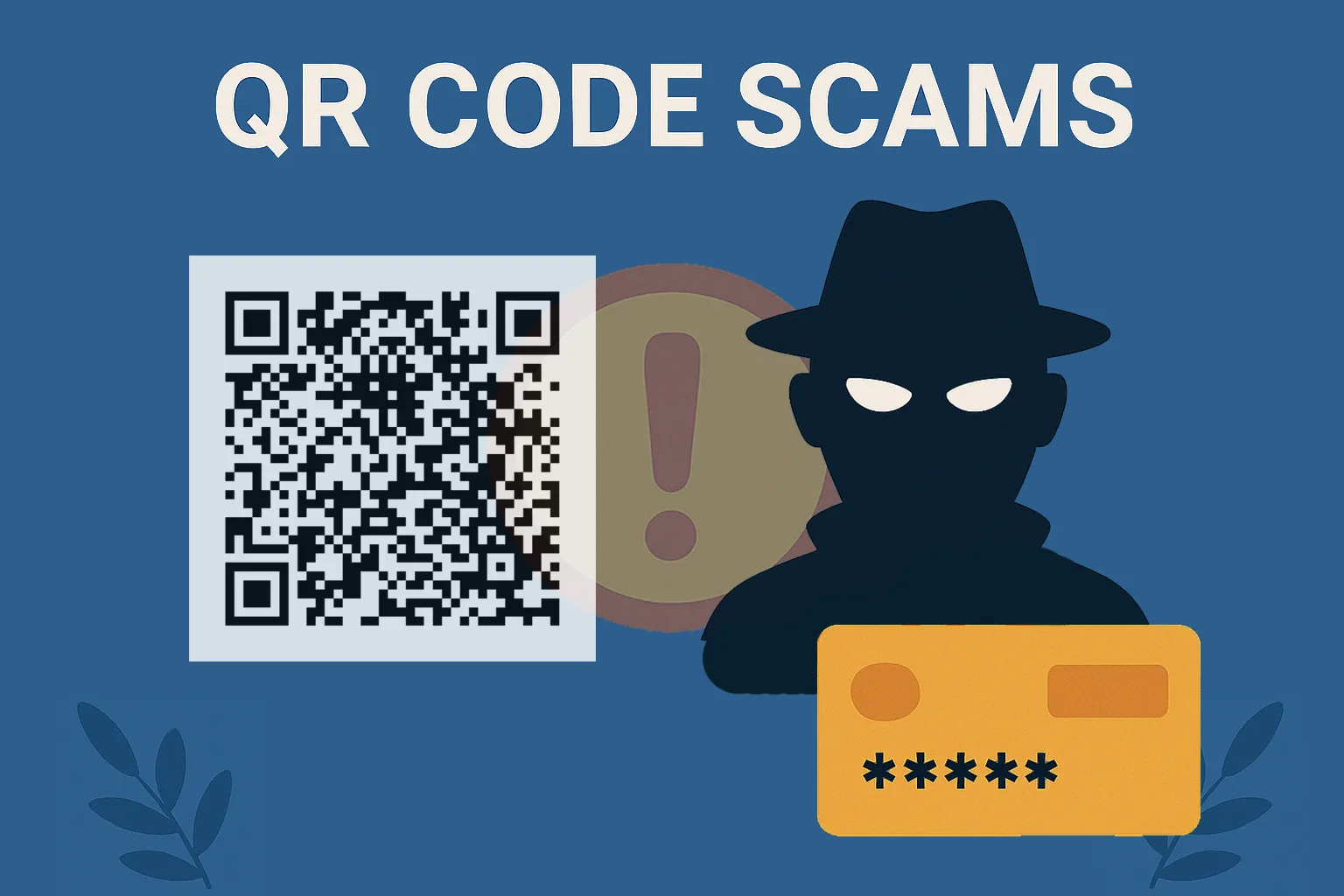
Following our phishing deep dive, here’s how attackers are hiding scams in scannable squares—on posters, menus and emails.
QR Codes: Convenient. Ubiquitous. Exploitable.
From restaurant menus to business cards and bank ads—QR codes are everywhere. But here’s the catch: they’re also an increasingly popular tool for cybercriminals.
QR phishing—or “quishing”—exploits the trust we place in quick scans. Whether printed in the real world or embedded in an email, a malicious QR code can lead you straight into a trap.
QR Codes in Emails: Bypassing Your Defences
Phishing emails often include suspicious links—but modern security tools are pretty good at catching them.
So attackers adapted.
They now embed QR codes instead of links. Since image files don’t get scanned the same way, the malicious payload slips through filters and lands directly in your inbox.
The result?
You scan a QR code on your screen—and land on a fake login page, a malware-infected download, or a clone of your bank website.
Don’t trust just because it looks clean.
QR Codes in the Wild: What You See Isn’t Always What You Scan
Even outside your inbox, malicious QR codes are turning up where you least expect them:
- Stuck over legitimate codes on signs and posters
- Embedded in fake leaflets left in public spaces
- Shared in WhatsApp or social media groups
- Included on counterfeit business cards
Once scanned, they may:
- Prompt you to download a dangerous app
- Redirect you to phishing sites that look real
- Automatically start data collection or malware download
And worse? Your phone may not show the full URL before it opens it.
How to Stay Safe When Using QR Codes
It’s not about avoiding QR codes entirely—but you do need to scan smart.
Smart QR habits:
- Don’t scan codes from unknown or suspicious emails
- Be wary of QR codes in unexpected locations (e.g. lamp posts, ATMs)
- Inspect physical codes—has a sticker been placed on top of another?
- Ask staff before scanning codes in cafés or restaurants
- Use your phone’s default camera app—not a third-party QR scanner
- Preview the full URL before continuing (many phones offer this option)
Best alternative:
If in doubt, manually type the website into your browser instead.
Final Thoughts: If It’s Quick, It’s Risky
QR codes are meant to make life easier—but cybercriminals love anything that shortcuts your usual caution.
Whether in an email or on a menu, always take a second to think before you scan.
😅 For Those of You Who Scanned the QR Code…
…you’ve just proven exactly why we wrote this blog. Don’t worry—you’ve only been Rickrolled, not hacked.
But in all seriousness, that’s the point: QR codes are easy to trust, easy to scan, and easy to manipulate. A scammer wouldn’t give you ‘Never Gonna Give You Up’—they’d take your login details, your payment info, or worse.
Let this be a harmless reminder: always know where a QR code is taking you before you scan.
Up next: AI is learning to sound like your CEO. No, seriously.
Need Help Training Staff on Modern Threats?
Novo IT provides real-world security awareness training that covers phishing, smishing, and new attack vectors like QR code fraud. Because staying safe today is about more than strong passwords.
👉 Explore our Cybersecurity Services or reach out to us at: 📧 [email protected] | 📞 01293 664413
Disclaimer: This article was created with the assistance of AI tools based on prompts and guidance provided by Novo IT Ltd.
Comments are closed